
Download Monodraw – Powerful ASCII Art Editor for macOS
Overview
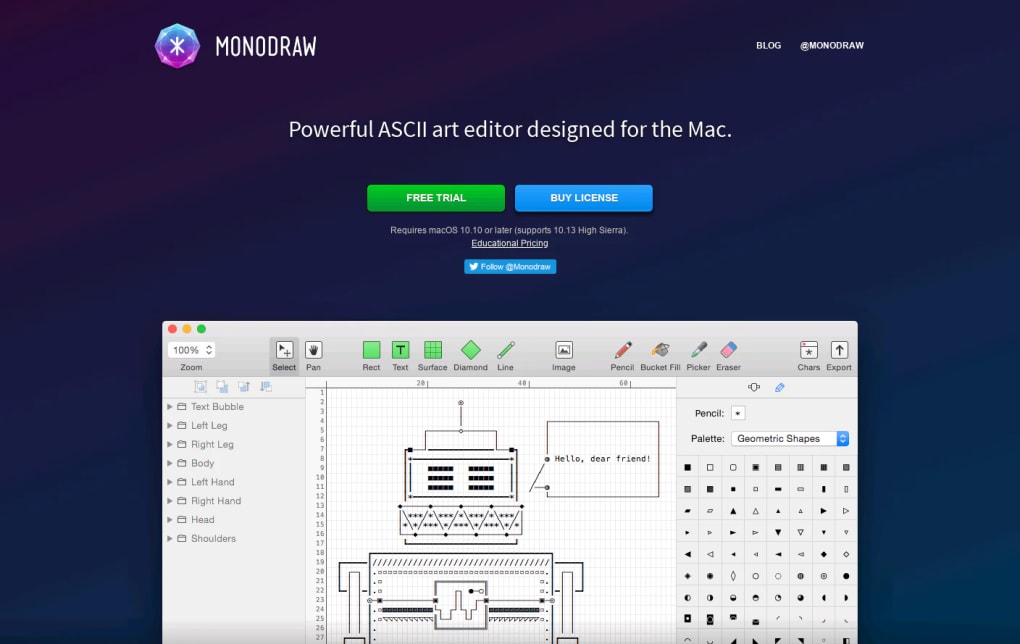
Monodraw is a desktop‑only ASCII art editor created by Helftone Ltd. Designed for macOS, this graphic‑design‑oriented tool lets you craft text‑based diagrams, flowcharts, wireframes, and full‑blown ASCII illustrations without writing a single line of code. While the underlying concept of ASCII dates back to the early days of computing, Monodraw modernises the workflow with a clean, drag‑and‑drop interface, a rich set of drawing primitives, and a CoreText‑powered text engine that offers pixel‑perfect placement of characters.
Whether you’re a software architect visualising system architecture, a writer needing quick mock‑ups for documentation, or an artist exploring the retro charm of monospaced art, Monodraw provides a focused environment that feels as intuitive as a typical code editor yet is purpose‑built for visual text composition. After a generous free trial, the app is available for a one‑time purchase, eliminating recurring fees and ensuring that you own a perpetual licence. Its 148 bundled fonts, expandable via third‑party add‑ons, and features like line, rectangle, diamond, bucket‑fill, and colour‑pencil tools make it one of the most versatile ASCII creation suites on the market.
Monodraw does not aim to replace full‑featured IDEs or text editors; instead, it carves out a niche for designers who want to convey ideas quickly, securely, and with a distinctive typographic style.
Key Features of Monodraw
- Extensive Font Library: 148 native monospaced fonts plus support for custom font packs, giving you artistic freedom for every project.
- Vector‑Like Drawing Tools: Line, rectangle, diamond, and free‑hand tools let you construct precise geometric shapes using plain characters.
- Bucket Fill & Colour Pencil: Quickly colour‑code sections of your diagram or apply shading effects without manual character placement.
- CoreText Engine: Offers sub‑pixel text rendering and accurate baseline alignment, ensuring that every character sits exactly where you intend.
- Grid & Snap Options: Enable grid visibility and snap‑to‑grid functionality for tidy, symmetrical designs.
- Export Formats: Export your creations as plain‑text files, SVG, PNG, or even PDF for seamless inclusion in presentations and documentation.
- Keyboard‑Centric Workflow: Full support for macOS shortcuts, enabling power users to work at speed without leaving the keyboard.
- Live Preview Mode: Toggle a preview pane that shows how your ASCII art will appear in different environments, such as terminals or web pages.
- Template Gallery: Built‑in collection of common diagram templates (flowcharts, network maps, UML) that you can customise instantly.
- One‑Time Purchase: No subscription required; a single payment unlocks all current and future updates for the licensed version.
Installation, Compatibility & Everyday Usage
Getting Monodraw on Your Mac
Downloading Monodraw is straightforward. Visit the official Helftone website, click the Download for macOS button, and the installer (a .dmg file) will appear in your Downloads folder. Open the disk image, drag the Monodraw icon into your Applications folder, and launch the app. The first run will prompt you to sign in with your Apple ID to verify the purchase or activate the free trial. Because Monodraw is notarised by Apple, macOS will recognise it as a secure, trusted application, avoiding any Gatekeeper warnings.
System Requirements
Monodraw runs on macOS 10.14 (Mojave) and later, including the latest Ventura releases. It requires a 64‑bit Intel or Apple Silicon processor, at least 2 GB of RAM, and 200 MB of free disk space for the core app plus optional font packs. The software is optimised for Retina displays, ensuring crisp character rendering on high‑resolution screens.
Creating Your First ASCII Diagram
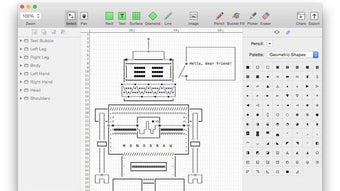
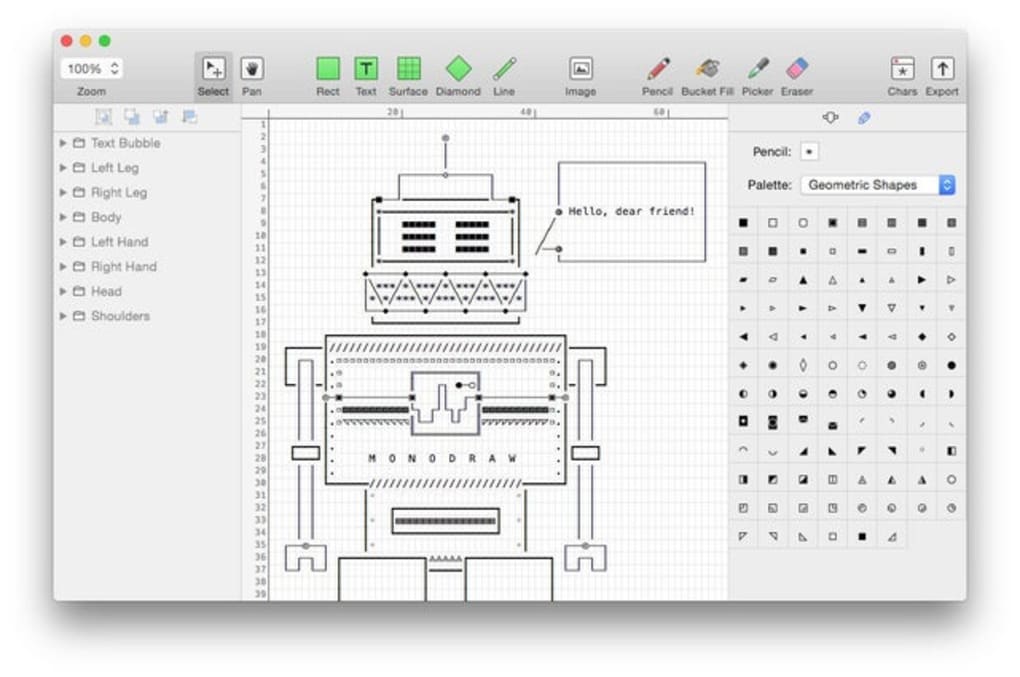
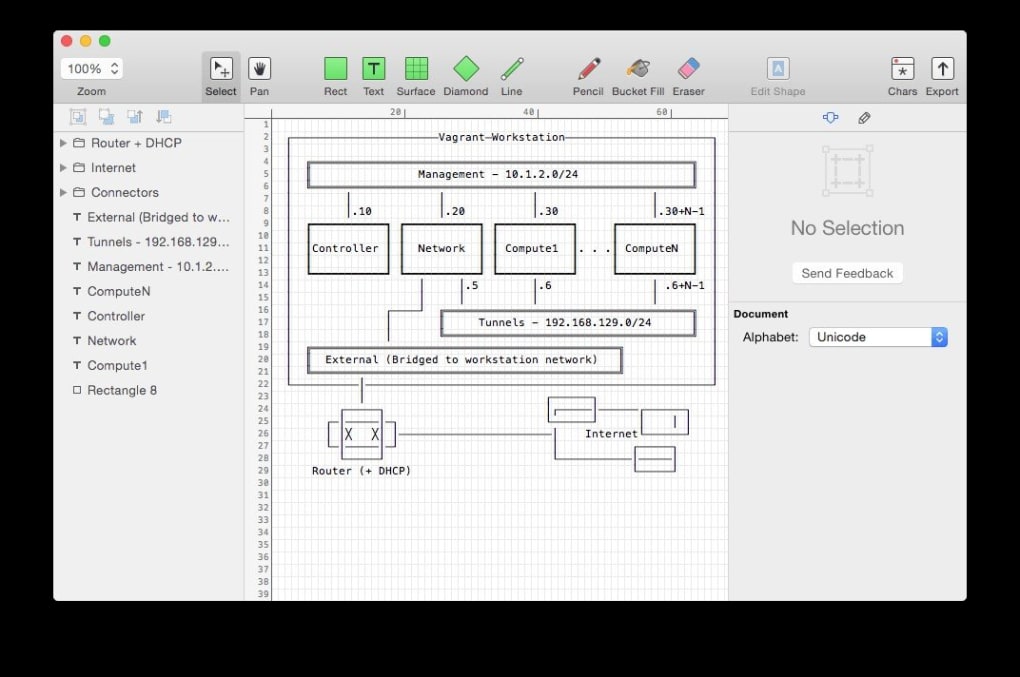
Once opened, you’ll see a familiar two‑pane layout: a canvas on the left and a properties panel on the right. Start by selecting a font from the dropdown, then choose a drawing tool—say, the rectangle tool—to outline a box. Click and drag on the canvas; Monodraw automatically inserts the appropriate box‑drawing characters (─, │, ┌, ┐, └, ┘).
You can then double‑click inside the rectangle to type text, and the CoreText engine will keep the text perfectly centered. To connect shapes, switch to the line tool and draw straight or angled lines; Monodraw will replace them with the correct ASCII connectors (─, ──, ━, ═). The bucket‑fill tool works like a paint‑bucket in raster editors—click a region, and it fills with a chosen colour or shading character.
All actions are undoable via Cmd + Z, and you can group objects for collective movement. When finished, export your diagram via File → Export and choose the desired format. The exported file can be embedded directly into README.md files, terminal outputs, or slide decks, preserving the exact visual layout you crafted.
Pros, Cons & Frequently Asked Questions
Pros
- Intuitive, mouse‑and‑keyboard driven UI makes learning curve shallow.
- Rich set of drawing primitives eliminates the need for manual character placement.
- High‑quality font rendering thanks to CoreText, providing professional‑grade output.
- One‑time purchase model ensures no hidden subscription fees.
- Export options (SVG, PNG, PDF) allow seamless integration into other workflows.
Cons
- Available only for macOS; Windows and Linux users must rely on alternatives.
- Lacks built‑in code editing capabilities, so it cannot replace a full IDE.
- Advanced colour features are limited to terminal‑compatible palettes.
- While the free trial is generous, the full licence may be pricey for casual hobbyists.
FAQ
Can I use Monodraw to create diagrams for non‑technical presentations?
Absolutely. Monodraw’s export options (PNG, PDF, SVG) make it easy to embed ASCII diagrams into PowerPoint, Keynote, or Google Slides, giving a clean, retro aesthetic to any presentation.
Is there a way to import existing ASCII art into Monodraw?
Yes. Use File → Import and select a plain‑text file. Monodraw will convert the text into editable objects, preserving line breaks and character spacing.
Does Monodraw support custom keyboard shortcuts?
While the default shortcuts cover most actions, you can customise them in the Preferences → Keyboard pane, assigning your own key combos to tools and commands.
What is the licensing model after the one‑time purchase?
A single payment grants you a perpetual licence for the current major version. Minor updates (bug fixes, performance tweaks) are free, while major version upgrades may require a discounted upgrade fee.
Can I collaborate on an ASCII diagram with team members?
Collaboration is manual: you can share the exported files or the native .monodraw project file via cloud services (e.g., iCloud, Dropbox). Real‑time collaborative editing is not built‑in.
Conclusion & Call to Action
Monodraw stands out as the most polished, purpose‑built ASCII art editor on macOS. Its blend of a user‑friendly interface, powerful drawing tools, and professional‑grade text rendering makes it an essential utility for developers, technical writers, and designers who value the clarity and nostalgia of monospaced graphics. While the platform limitation to macOS may exclude Windows and Linux users, the depth of features and the one‑time purchase model provide excellent value for the price.
If you need to visualise data, draft flowcharts, or simply create eye‑catching text art, give Monodraw a try. Download the free trial today, explore the extensive font library, and see how quickly you can turn ideas into crisp ASCII diagrams. Once you experience the seamless workflow, the upgrade to the full version is a logical next step for anyone serious about text‑based visual communication.
Download Monodraw now and start designing secure, update‑ready ASCII graphics that work across terminals, documentation, and presentations.







